
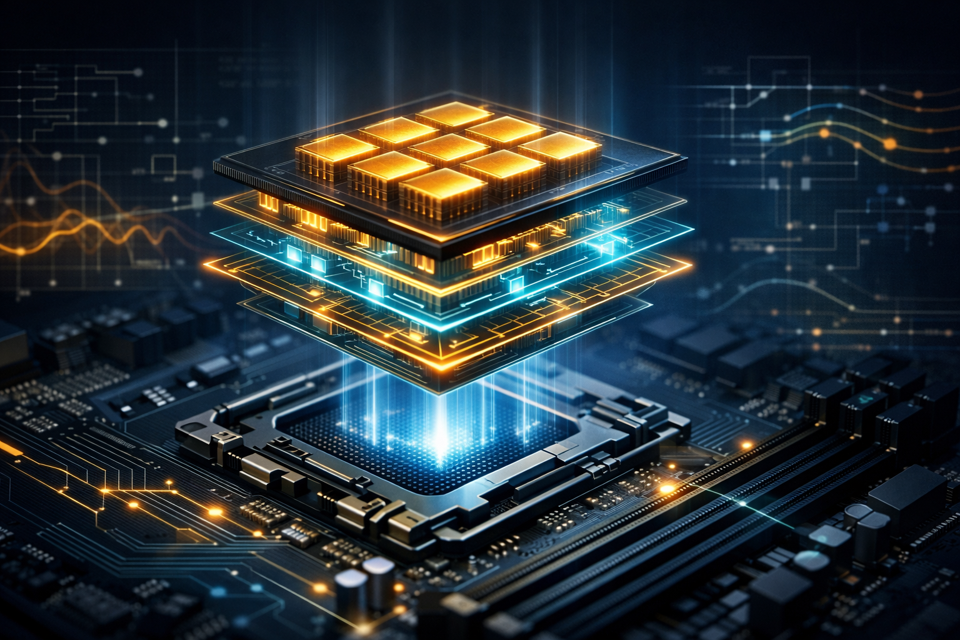
Open a desktop computer and you will see several parts connected by cables, slots, and screws. It can look complicated at first, but each major component has a distinct job.
This article gives you a mental map before you begin handling hardware.
The motherboard connects the system
The motherboard is the large circuit board that lets the other components communicate. The processor, memory, storage connections, expansion cards, and many external ports all meet here.
Motherboards are not universal. Their processor socket, memory type, size, and available connectors determine which parts are compatible.
The CPU processes instructions
The central processing unit, usually shortened to CPU, carries out instructions and helps coordinate the computer’s activity. It sits in a dedicated socket on the motherboard beneath a cooler.
A faster CPU can complete some kinds of work more quickly, but model names and clock speeds do not tell the whole story. Compatibility, cooling, power use, and the work you plan to do all matter.
RAM is temporary working space
Random access memory, or RAM, holds information the computer is actively using. More available RAM can help when you keep many applications open or work with large projects.
RAM is temporary. Its contents disappear when the computer loses power, which is why it cannot replace permanent storage.
Storage keeps files long-term
Solid-state drives and hard disk drives store the operating system, applications, and personal files. Unlike RAM, storage keeps its contents after shutdown.
An SSD usually feels more responsive than a hard drive because it can retrieve data with much less delay.
The GPU creates visual output
The graphics processing unit, or GPU, helps produce the image shown on your display. Some processors include integrated graphics. Other computers use a separate graphics card installed in an expansion slot.
A dedicated graphics card is not required for every computer. Office work, web browsing, and many learning tasks can run well on integrated graphics.
Power and cooling keep everything operating
The power supply converts electricity from the wall into the forms used by the computer’s components. Cooling hardware—such as heatsinks and fans—moves heat away from parts that would otherwise become too hot.
These systems deserve the same attention as performance parts. Unreliable power or inadequate cooling can make an otherwise capable computer unstable.
The case provides structure and airflow
The case holds everything in position, protects components, and helps guide air through the system. Case size affects which motherboards, graphics cards, coolers, and power supplies will physically fit.
Once you can identify these roles, a computer stops looking like one complicated object. It becomes a group of understandable systems working together.
For a guided course with quizzes and physical walkthroughs, continue with HW101: Computer Hardware Fundamentals.