
Computer-building advice often begins with a parts list. That can make hardware education feel like a shopping exercise, especially when every example assumes access to current, expensive components.
You can learn the fundamentals before you spend money.
Begin with roles, not model numbers
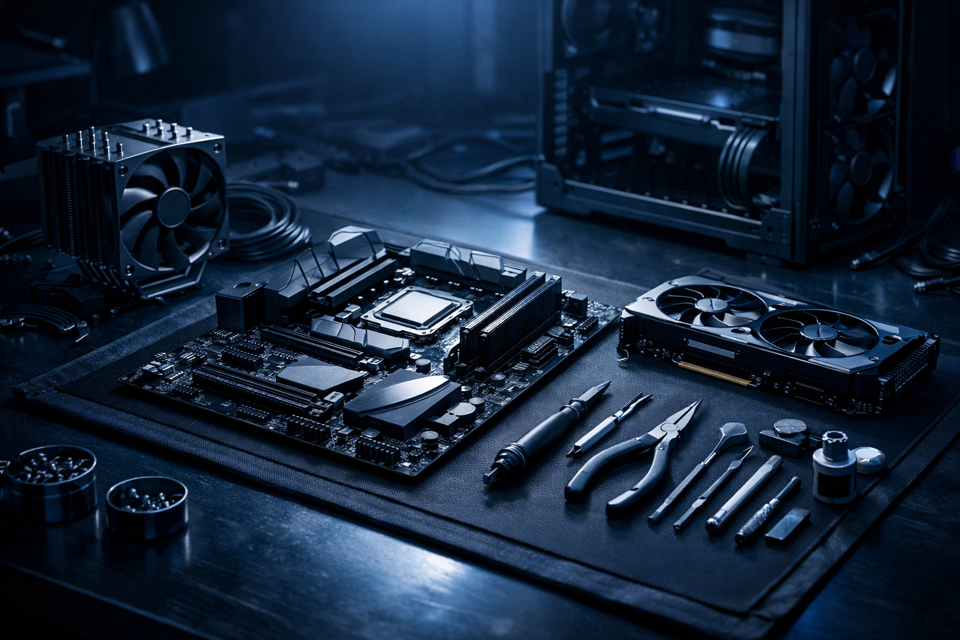
Product names change constantly. The basic roles are much more stable: the processor handles instructions, the motherboard connects major parts, RAM provides temporary working space, storage keeps files, and the power and cooling systems keep the machine operating safely.
Learn those relationships first. Specific products become easier to compare once you know what problem each part solves.
Observe a computer you already have access to
You do not need to disassemble a working computer. You can begin by identifying external ports, reading the system information provided by the operating system, or watching a careful physical walkthrough.
If you later inspect internal hardware, shut the computer down, disconnect power, follow appropriate safety guidance, and avoid touching components you are not prepared to handle.
Practice compatibility on paper
Choose an imaginary purpose—such as a basic family computer or an entry-level creative workstation—and document the requirements. Then investigate how processor sockets, motherboard sizes, memory generations, power needs, and physical clearances affect one another.
This planning exercise teaches the same compatibility reasoning used in a real build without requiring a purchase.
Use structured material
Good beginner material should explain vocabulary, demonstrate real parts, and let you check your understanding. Open Tech Academy’s Learning Center is designed around that sequence, and guest browsing does not require an account.
When you eventually work with physical components, you will arrive with a map instead of a collection of disconnected product names.